
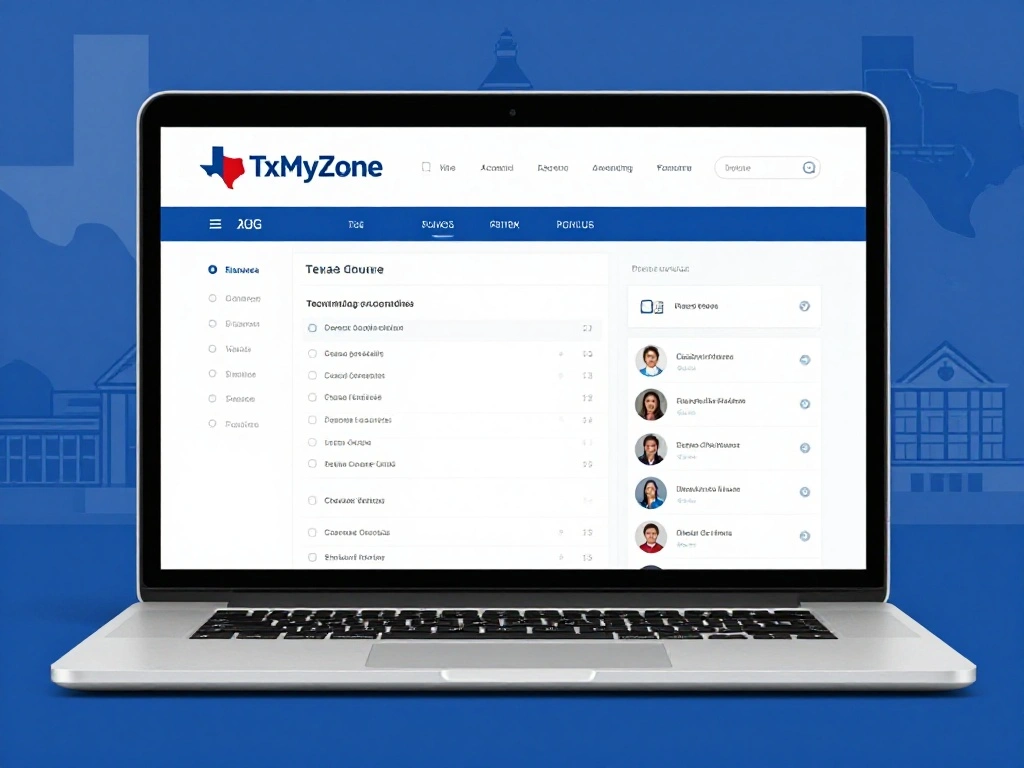
If you have searched for TxMyZone, you may have noticed that different websites describe it in very different ways. Some call it a student portal, while others describe it as a digital workspace or general online platform.
The clearest documented connection is to the Texas education technology system. TxMyZone is associated with the Texas Enterprise Information System (TxEIS), also known as ASCENDER, and is used by participating educational organizations.
This guide explains what TxMyZone is, who can use it, what students and parents may access through it, how login generally works, and how to avoid unsafe or misleading login pages.
What Is TxMyZone?
TxMyZone is an online access point associated with the TxEIS/ASCENDER education system used by participating Texas schools and educational organizations.
Depending on the school or district, users may be able to access information related to:
- Student schedules
- Course planning
- Academic information
- Attendance
- Graduation planning
- Other school-related services
The exact features are not necessarily the same for every school. Districts can configure their systems differently, so your school’s instructions should always be treated as the final source of information.
What Is TxEIS?
To understand TxMyZone, it helps to understand TxEIS.
TxEIS stands for Texas Enterprise Information System. It is a web-based school administration environment used by educational organizations for managing and reporting school information.
TxMyZone works within this broader educational technology environment. Other associated tools can have different purposes, such as grade-related information or school communication.
So, TxMyZone and TxEIS should not automatically be treated as two unrelated platforms.
Who Uses TxMyZone?
Access depends on the participating school or organization.
Potential users can include:
- Students
- Parents and guardians
- Teachers
- School counselors
- Administrative staff
- Other authorized education personnel
Not everyone can simply create a TxMyZone account. Access is generally controlled by the school, district, or organization providing the service.
What Can Students Do With TxMyZone?
The available functions depend on the school’s setup. However, an authorized student may use connected educational services for several common tasks.
Course Planning
Students may be able to review or submit course requests.
This can be particularly useful during registration when students choose classes for an upcoming semester or school year.
Check Schedule Information
Depending on the district, students may be able to view their current or upcoming schedule.
This can help them confirm:
- Classes
- Subjects
- Periods
- Teachers
- Other scheduling information
Review Academic Information
Connected school systems may provide access to grades or other academic information.
The information available to you depends on what your school has enabled.
Check Attendance
Some implementations allow authorized students or parents to review attendance records, including absences or tardies.
Plan for Graduation
Older students may also use school information systems to review course requirements and plan their path toward graduation.
Again, the exact features vary by district.
How Does TxMyZone Login Work?
There is an important rule when searching for TxMyZone login: use the link provided by your school or district whenever possible.
Do not choose a random login page simply because it appears high in a search engine.
A typical process looks like this:
- Visit your school or district’s official website.
- Find the student, parent, or online-services section.
- Select the TxMyZone or relevant TxEIS/ASCENDER link.
- Enter the username and password provided by your school.
- Complete any required authentication steps.
- Open your available dashboard or school services.
The exact login page can differ between educational organizations.
What If Your TxMyZone Login Does Not Work?
A failed login does not always mean TxMyZone is down.
Common reasons include:
- Incorrect username
- Incorrect password
- Expired password
- Account not yet activated
- Account restrictions
- Temporary technical problems
- Using the wrong school portal
- District configuration issues
First, check the instructions provided by your school.
If there is an official password-recovery option, use it. If you still cannot access your account, contact your school or district office.
Never give your password to someone claiming to provide unofficial TxMyZone support.
Is TxMyZone Available to Every Texas Student?
No.
TxMyZone should not be considered a universal portal used by every student in Texas.
Different school districts use different education technology systems. Some participate in systems associated with TxMyZone, while others may use completely different platforms.
If you are unsure whether your school uses TxMyZone, check the school’s official website or ask the school administration.
Is TxMyZone the Same as txConnect?
Not necessarily.
TxMyZone, txConnect, and txGradebook are associated with the wider TxEIS/ASCENDER environment, but they can serve different purposes.
The best approach is simple: use the specific service your school tells you to use.
Do not assume that one portal can replace another.
Is TxMyZone a Productivity App?
There is a lot of conflicting information about this keyword online.
Some newer articles describe TxMyZone as a productivity platform, digital workspace, transaction service, or personalized online environment. However, these descriptions should not automatically be treated as evidence of the documented Texas education service.
The strongest available evidence connects TxMyZone with the Texas educational technology ecosystem.
This is why checking primary sources and school-provided information is more useful than relying on generic descriptions.
Is TxMyZone a Payment Platform?
There is no strong evidence that the documented educational TxMyZone service is a general peer-to-peer payment platform.
If a website using the TxMyZone name suddenly asks for:
- Bank details
- Credit card information
- Payment information
- Cryptocurrency
- Unrelated financial credentials
stop and verify the website with your school or district before entering anything.
A familiar-looking name does not prove that a website is officially connected to your school.
Is TxMyZone Safe?
The safest way to use TxMyZone is to access it through your school or district’s official website.
Follow these basic security practices:
- Use the link supplied by your school.
- Check the website address before entering credentials.
- Make sure the connection uses HTTPS.
- Never share your password.
- Avoid login links sent from unknown sources.
- Do not install unknown software to access the portal.
- Use official password-recovery methods.
- Report suspicious messages to your school.
The name “TxMyZone” appearing in a website address does not automatically prove that the website is an official education service.
Why Is There So Much Confusion About TxMyZone?
This is one of the biggest gaps in existing TxMyZone content.
Search results contain multiple articles that assign different meanings to the same term. Some describe an educational portal, while others present it as a general digital platform.
The problem is that an article describing a service is not the same as primary evidence that the service exists in that form.
For students and parents, this distinction matters.
When evaluating information about TxMyZone, look for evidence from:
- Your school district
- Texas education organizations
- Official service documentation
- School-provided login instructions
This approach can help you avoid confusing an unrelated website with your actual school service.
How to Identify the Correct TxMyZone Login
Before entering your username or password, ask four simple questions.
1. Who sent you the link?
Did it come from your school, district, or another trusted educational organization?
2. Does the website address look correct?
Check the domain carefully. Small spelling differences can be a warning sign.
3. Does the page match your school instructions?
The login page should make sense based on what your school told you to access.
4. What information is being requested?
Be cautious if a supposed school portal unexpectedly asks for financial information or unrelated personal details.
TxMyZone: Quick Facts
| Question | Answer |
|---|---|
| What is TxMyZone? | An access point associated with the Texas education technology ecosystem |
| Is it related to TxEIS? | Yes |
| Who can use it? | Authorized users of participating educational organizations |
| Is it used by every Texas school? | No |
| Can students use it? | Yes, where their school provides access |
| Can parents use it? | Potentially, depending on the district |
| Is it the same as txConnect? | No, although they are related within the broader ecosystem |
| Where should you get the login link? | From your school or district |
| Should you trust random login pages? | No |
Frequently Asked Questions
What is TxMyZone?
TxMyZone is associated with the Texas education technology environment and the TxEIS/ASCENDER school administration ecosystem. Participating organizations may provide authorized users with access to school-related information and services.
Is TxMyZone a student portal?
It can serve as a student-facing access point in participating school systems. The exact features depend on the school or district.
Who can access TxMyZone?
Authorized students, parents, teachers, counselors, and school staff may have access depending on their organization and assigned role.
How do I log in to TxMyZone?
Use the link supplied by your school or district. Enter your assigned credentials and follow the official authentication or password-recovery instructions.
What if I forget my TxMyZone password?
Use the official recovery process provided by your school or district. If that option is unavailable, contact the appropriate school administrator.
Is TxMyZone used throughout Texas?
It is used by participating educational organizations, but it is not a universal system for every Texas school.
Is TxMyZone the same as TxEIS?
No. TxEIS is the broader Texas Enterprise Information System environment, while TxMyZone is associated with user-facing educational services within that ecosystem.
Final Thoughts
TxMyZone is best understood in the context of Texas education technology and the TxEIS/ASCENDER ecosystem. It may give authorized students, parents, and school personnel access to useful educational information, but the available features depend on the participating organization.
The most important thing to remember is that not every website using the TxMyZone name is necessarily connected to a school.
If you need to log in, start with your school or district’s official website. Verify the domain, follow the instructions provided by your school, and never enter sensitive information into an unfamiliar portal.
That simple approach can help you get the information you need while avoiding the confusion surrounding the TxMyZone name online.